Dice Hoarder auto-add to inventory, map key and zoom toggle
The comfort settings of Dice Hoarder from the developer's patch notes: auto-add to inventory, the map key, the zoom toggle and where each one is.
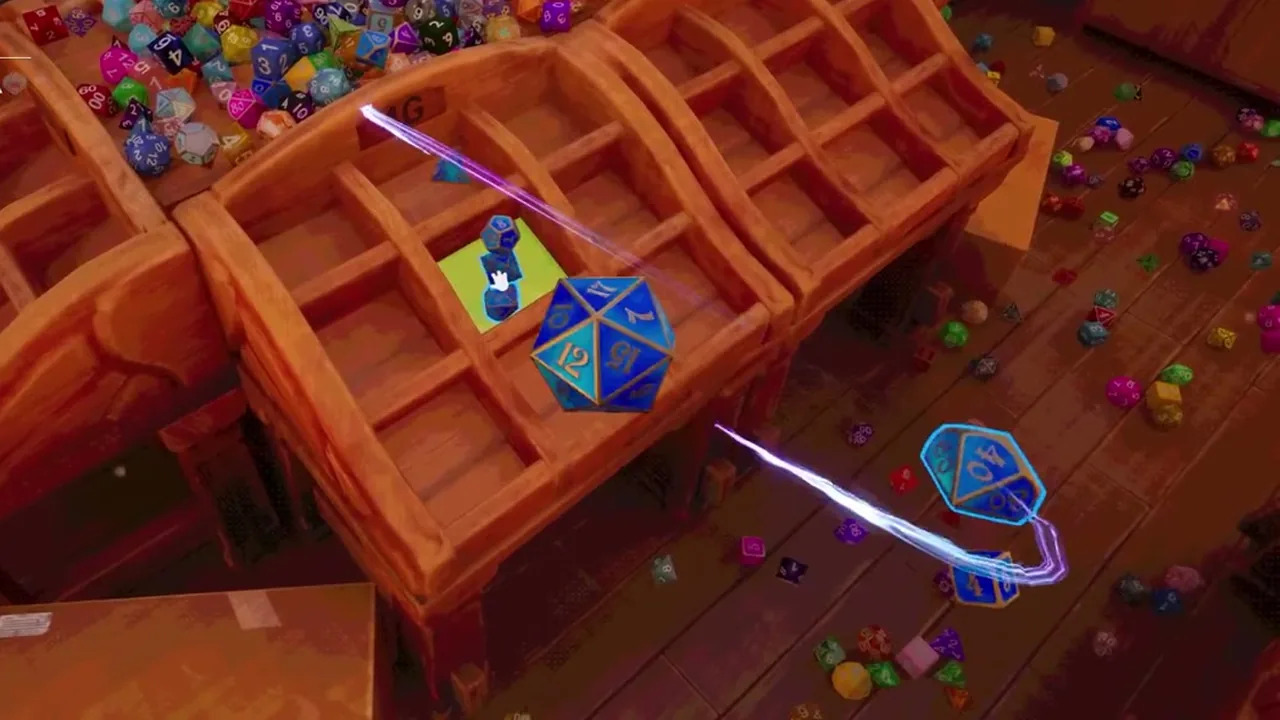
The settings and where they are
| Setting | Menu | Effect |
|---|---|---|
| Auto-add to inventory | Accessibility | Dice you pick up go directly into the inventory |
| Map key | Accessibility | A key opens the map |
| Zoom toggle | Accessibility | Zoom works as a toggle |
| ESC | no setting | Closes the PC window |
Auto-add is switched on or off in the Accessibility settings.
The map key is switched on in that menu as well.
With the map key enabled, a later patch lets that key and ESC close the map again.
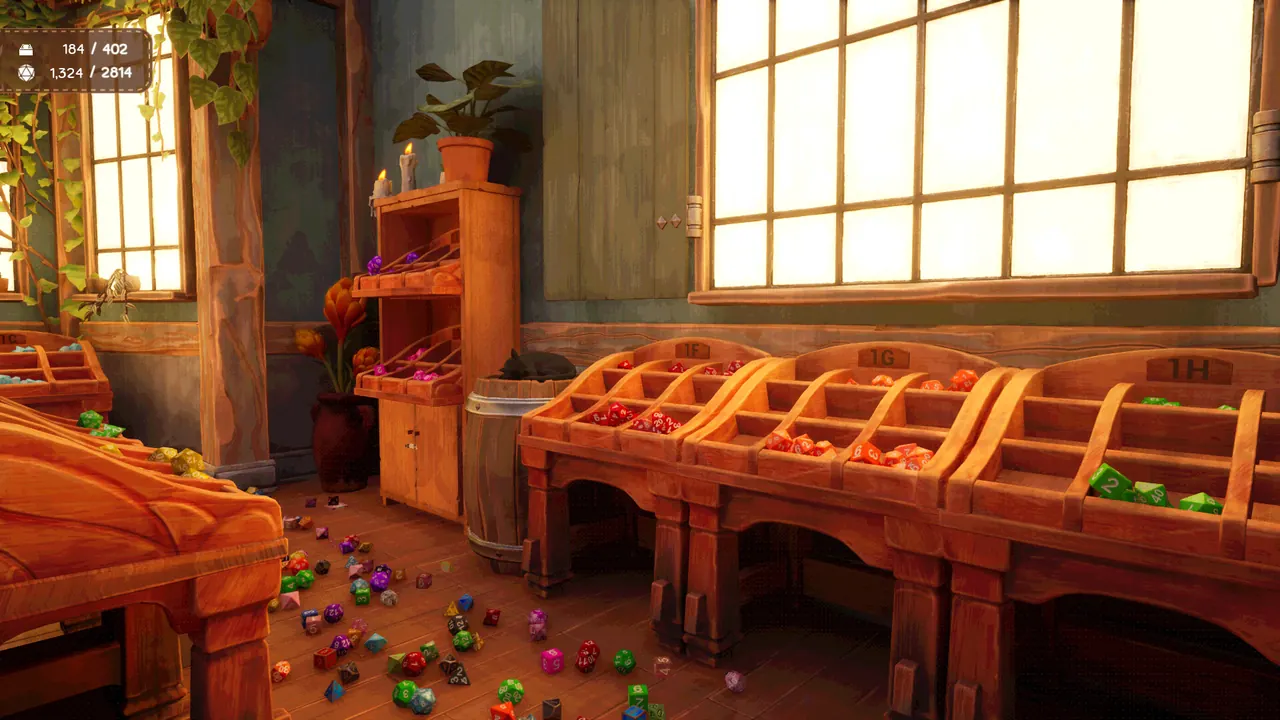
Feedback while you sort
A die in the wrong display makes the letters of that display glow red.
The game plays a sound for it as well.
Since a later patch every restored die is highlighted.
 True Sight glows through objects since that patch.
Seeing and reaching small dice
Zooming in makes dice bigger on the screen.
Bigger dice are easier to pick up.
A crouching ability can be unlocked for dice that lie on the floor.
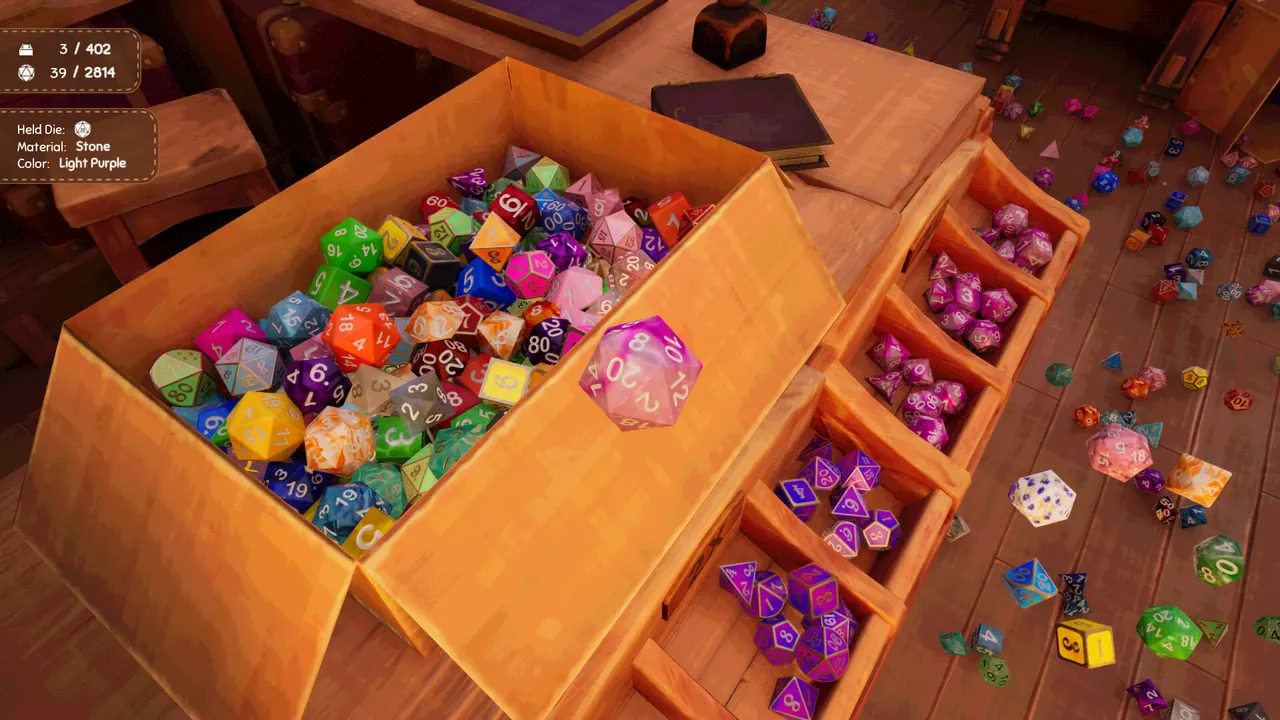
A panel at the left edge of the screen names the material and colour of the die in your hand.
Dice rotation in the inventory has a toggle of its own.
After the final message
After the last message on the PC, dice can still be taken out of their slots again.
The computer keeps installing and upgrading abilities at that point.
Custom resin dice need less time to craft since the hotfix.