Dice Hoarder -fixmysave: repair a save with dice in the wrong slots
How the -fixmysave launch option of Dice Hoarder repairs a save, the developer's three steps, cloud saves and the folder where the save backups are kept.
What the option repairs
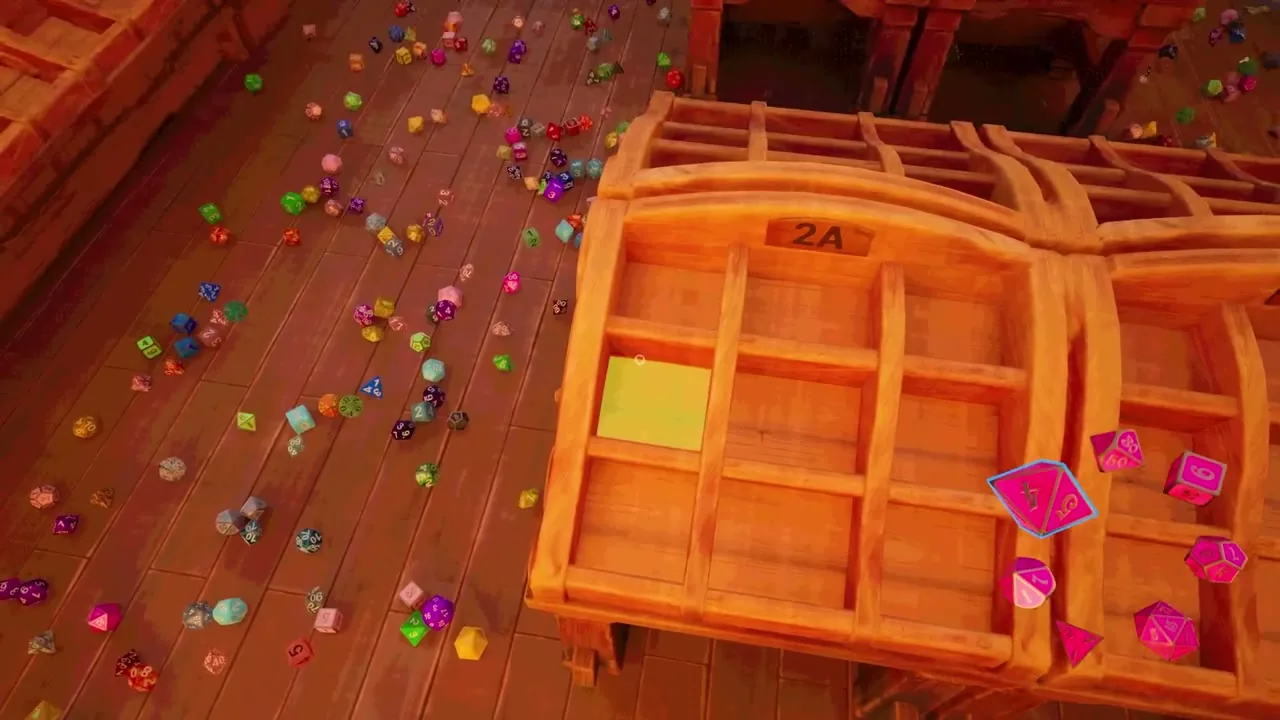
The launch option -fixmysave repairs a save in which dice were loaded into the wrong slots.
It arrived with the hotfixes of launch day.
At that time the developer had not found why dice move to wrong slots and was looking for a lasting fix.
The steps
| When | What to do |
|---|---|
| First | Put -fixmysave into the launch options of the game in Steam |
| Then | Start the game and wait until the save is fixed |
| After that | Save, quit and close the game |
| Last | Take -fixmysave out before the next start |
The option is not meant to stay in the launch options.
When the save stays broken
For a corrupted save the developer asks for a bug report with the save files attached.
The same hotfix stopped some dice from loading inside a slot that was already complete.
A later patch fixed a memory problem that hit some players while an older save loaded.
The developer says that this memory fix did not reach every player.
Steam Cloud and the backups
Progress is synced between devices through Steam Cloud.
Steam can ask which of the two saves to keep on a second device.
The developer’s advice is to pick the save with the newest date.
The patch notes give the backup folder as %LOCALAPPDATA%DiceHoarderSavedSaveBackups.
Those backups are meant for going back to an older save.
Announced for later
More than one save slot per game mode is announced, so that several people can play on one device.