Dice Hoarder pitch-black screen fix: turn off global illumination
The shop in Dice Hoarder can load pitch-black on some graphics cards. The developer's fix is the global illumination switch in the settings.
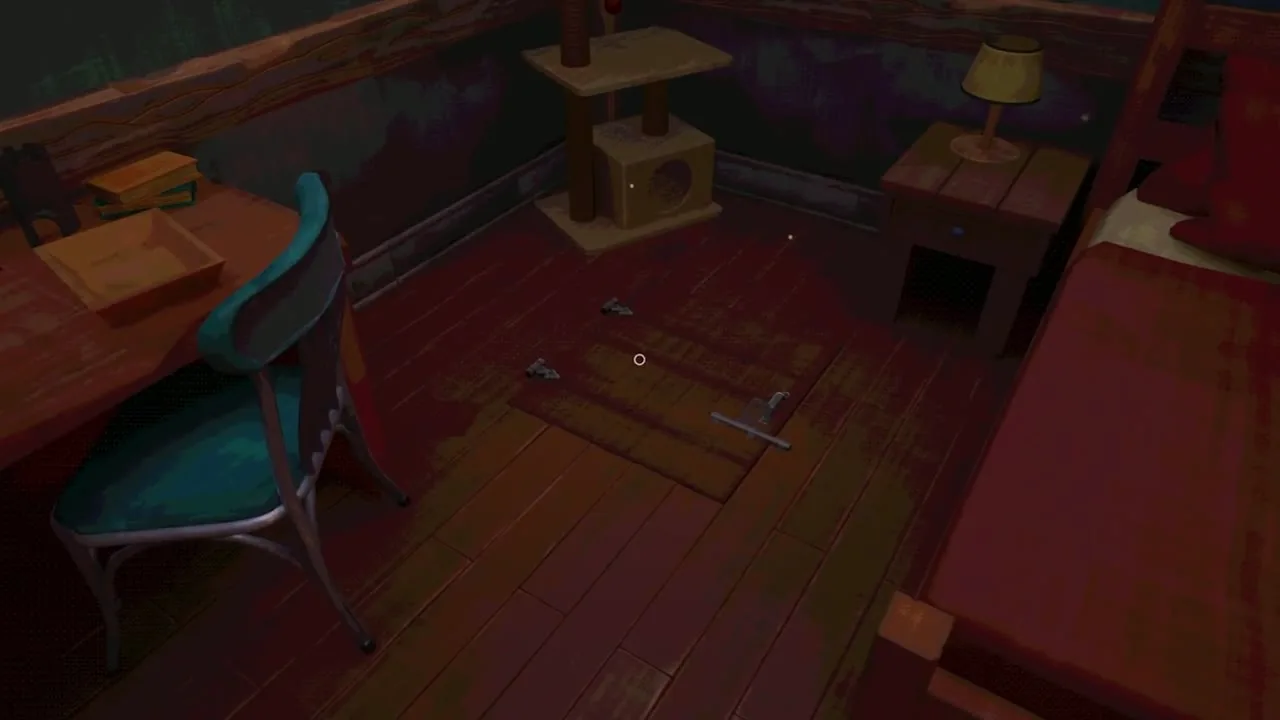
Why the shop is dark
The developer ties the dark shop to graphics cards that lack full support for the lighting system of the engine.
Only some players run into it.
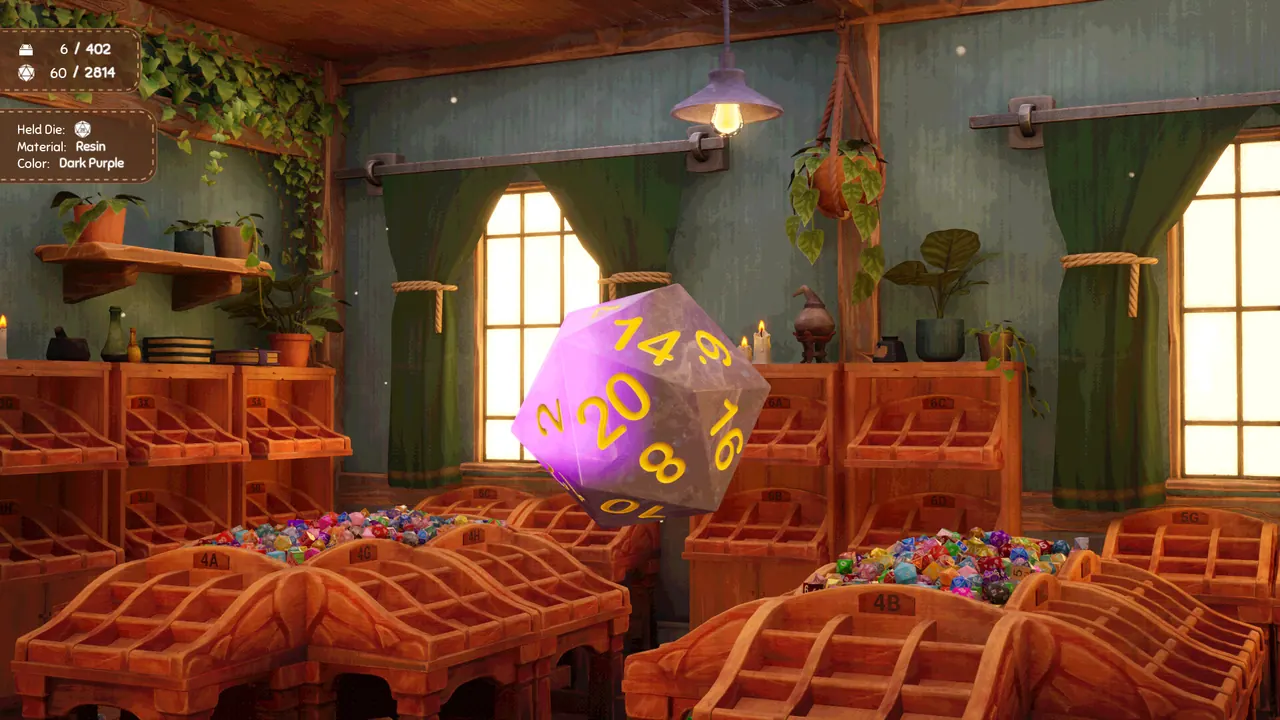
The fix in the settings
| What | Where | Result |
|---|---|---|
| Global illumination off | Settings | The dark environment is lit again |
A switch in the settings turns global illumination off.
With the switch off the environment is no longer black.
The switch came with the last hotfix of launch day.
That day the developer released a pair of small patches.
How the game looks with the switch off
Right after the hotfix the developer was still improving the look of the game without global illumination.
A later patch improved the lighting for players who keep the switch off.
The same patch improved how the dice look in that state.
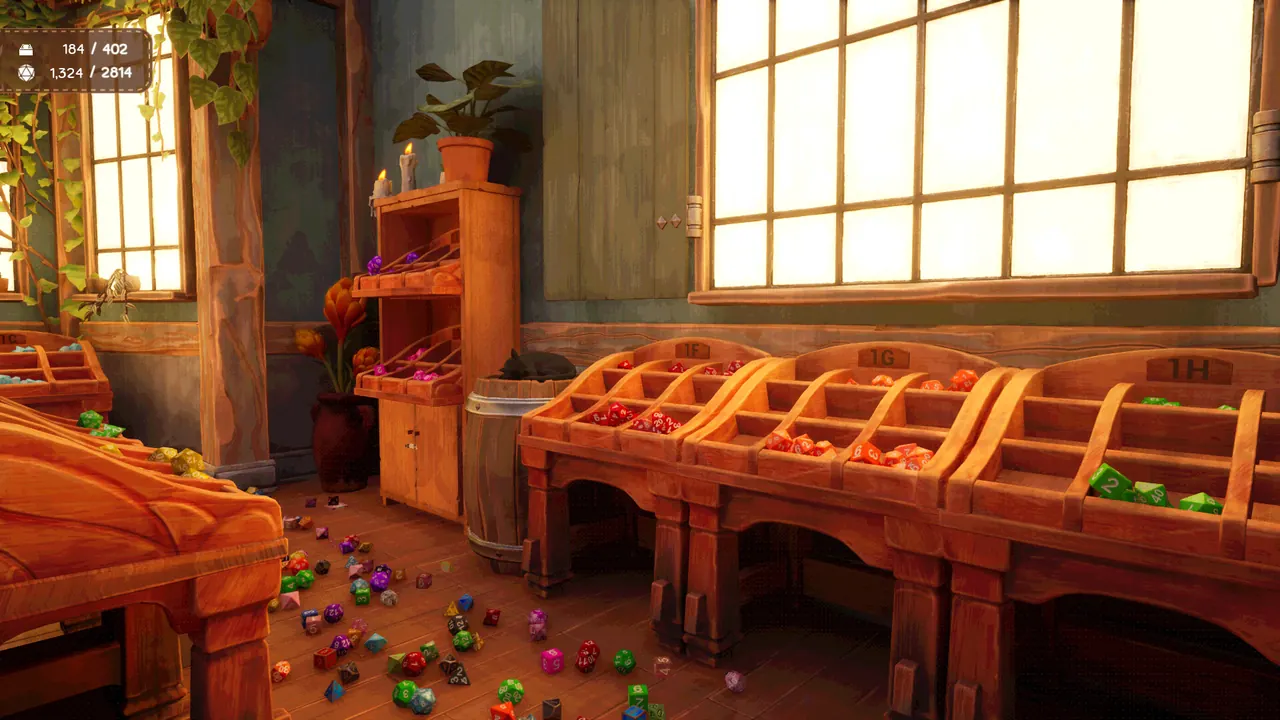
What the game needs to run
The game was developed for Windows PC.
The complete system requirements are on the Steam page of the game.
If the screen is still dark
For problems that remain, the developer points players to the forms in the pinned discussions.
Bug and crash reports go through the forms of a pinned thread.
The team describes itself as small and says it reads the submissions one at a time.